Live visibility
See which machines are stopped right now.
StopTrack is a simple downtime logger for teams that need useful loss data without a full MES connection.
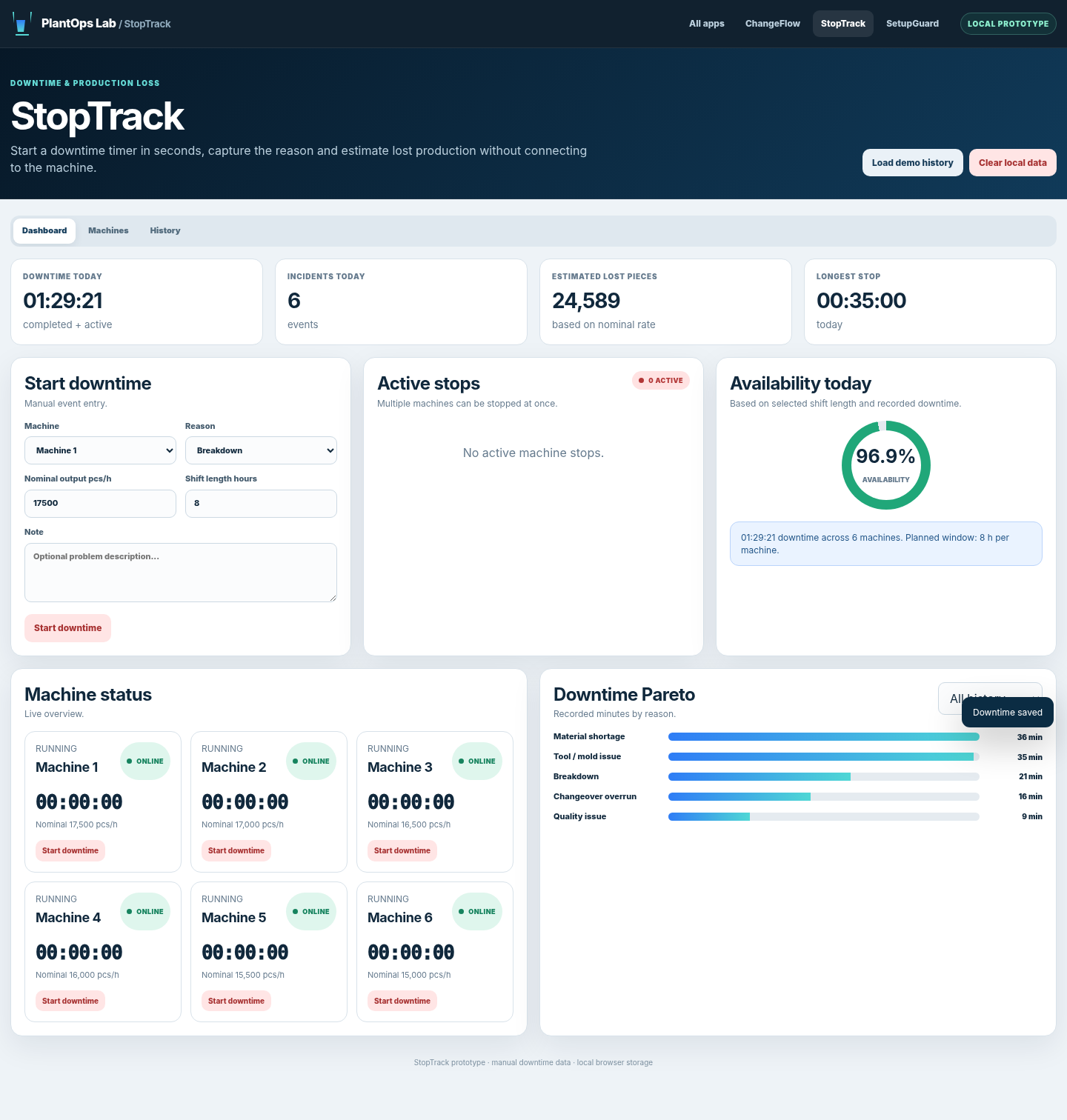
If stops are entered at the end of a shift, short events are forgotten and reasons become vague. StopTrack starts the event immediately, measures duration and keeps the reason attached to the machine.
See which machines are stopped right now.
Use the same reason list across shifts.
Convert downtime minutes into estimated lost pieces.
Select a machine and reason when downtime begins.
The timer runs while the issue is active.
End the stop, add a note and review repeated reasons.
It can support a basic availability view, but it is not a full automated OEE or MES platform.
No. The first version is intended for fast manual logging.
The estimate uses the configured production rate and downtime duration. It should be treated as an operational estimate.
Join the non-binding early-access list and tell us which workflow matters most.